
Typed assistant chat
Ask Maddy to help plan your time in natural language.
Ask Maddy to help plan your time. She can schedule focused work around your existing day, adjust grounded plans, and keep the next step in view.
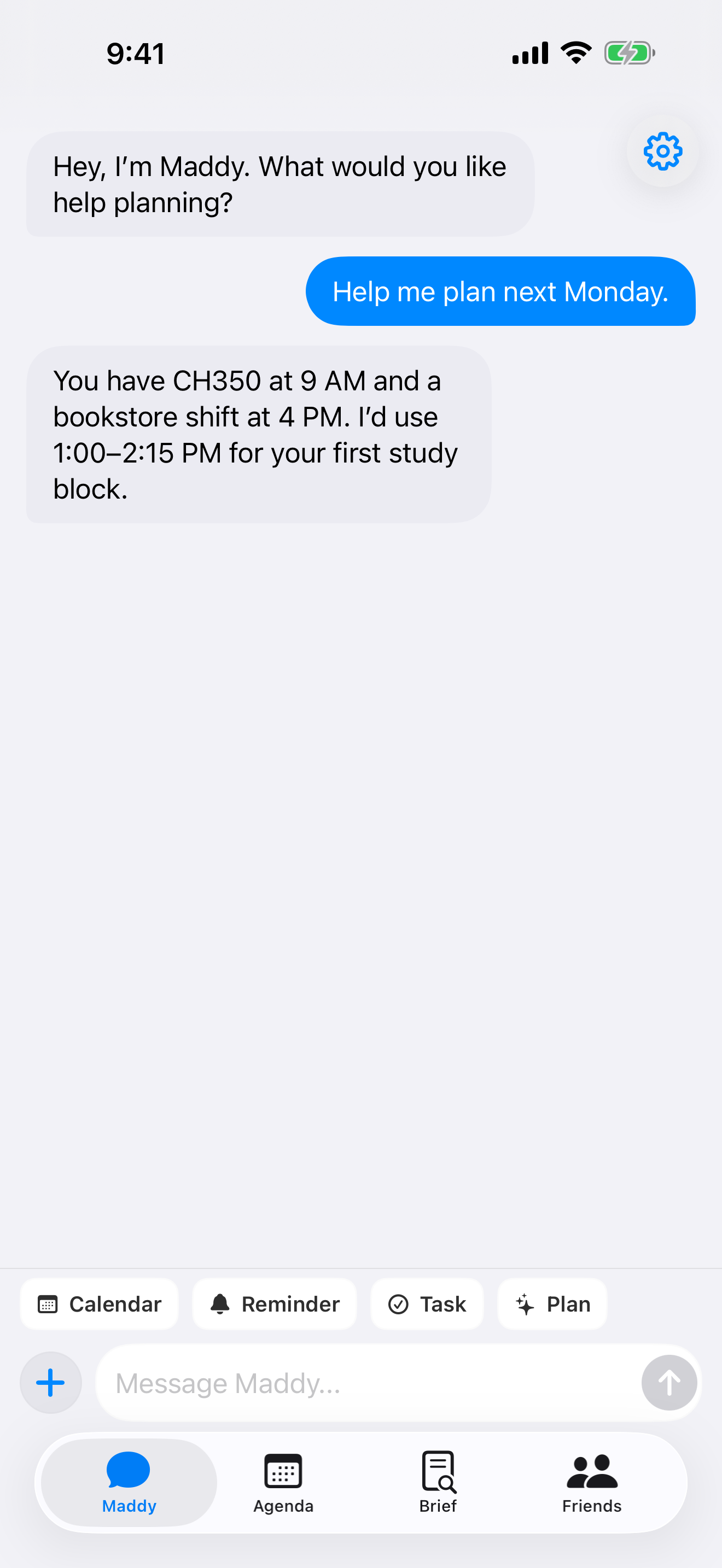
Maddy starts with the commitments already on your calendar, then suggests a time you can inspect.
Describe what you want to plan and when it needs to happen.
Existing classes, work, and available time give the request context.
See the proposed time before you continue with the plan.
Send Maddy a screenshot, flyer, syllabus, or photo. She pulls out the dates, times, places, and context so you can approve the right calendar action.
Send the image with the schedule details, even if it is a flyer, message, or messy screenshot.
Dates, times, locations, people, and notes are turned into structured calendar context.
Maddy shows the proposed event, reminder, or plan so you stay in control.
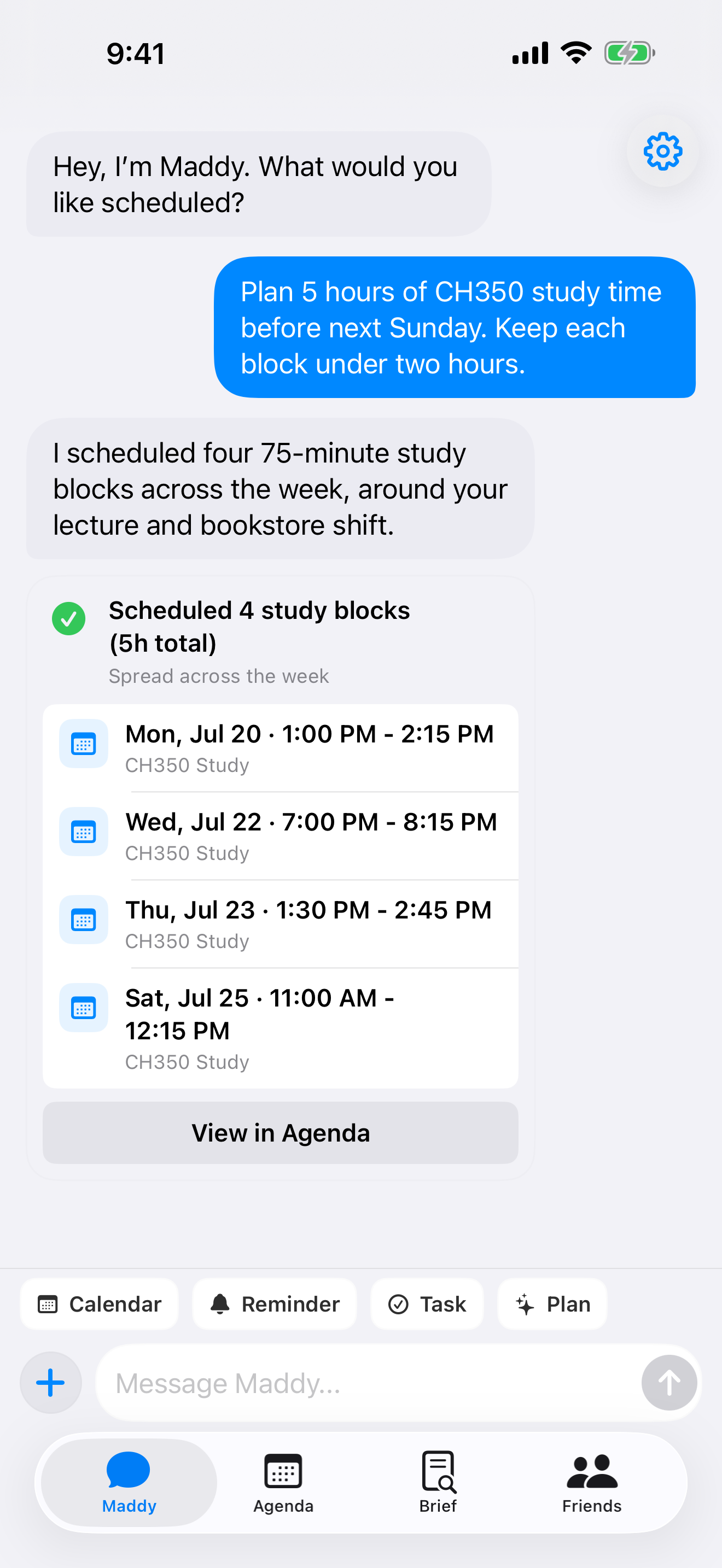
A larger goal becomes visible blocks arranged around the commitments already on your day.
Commitments, focused time, and personal plans stay visible in one timeline, so the result is something you can inspect.
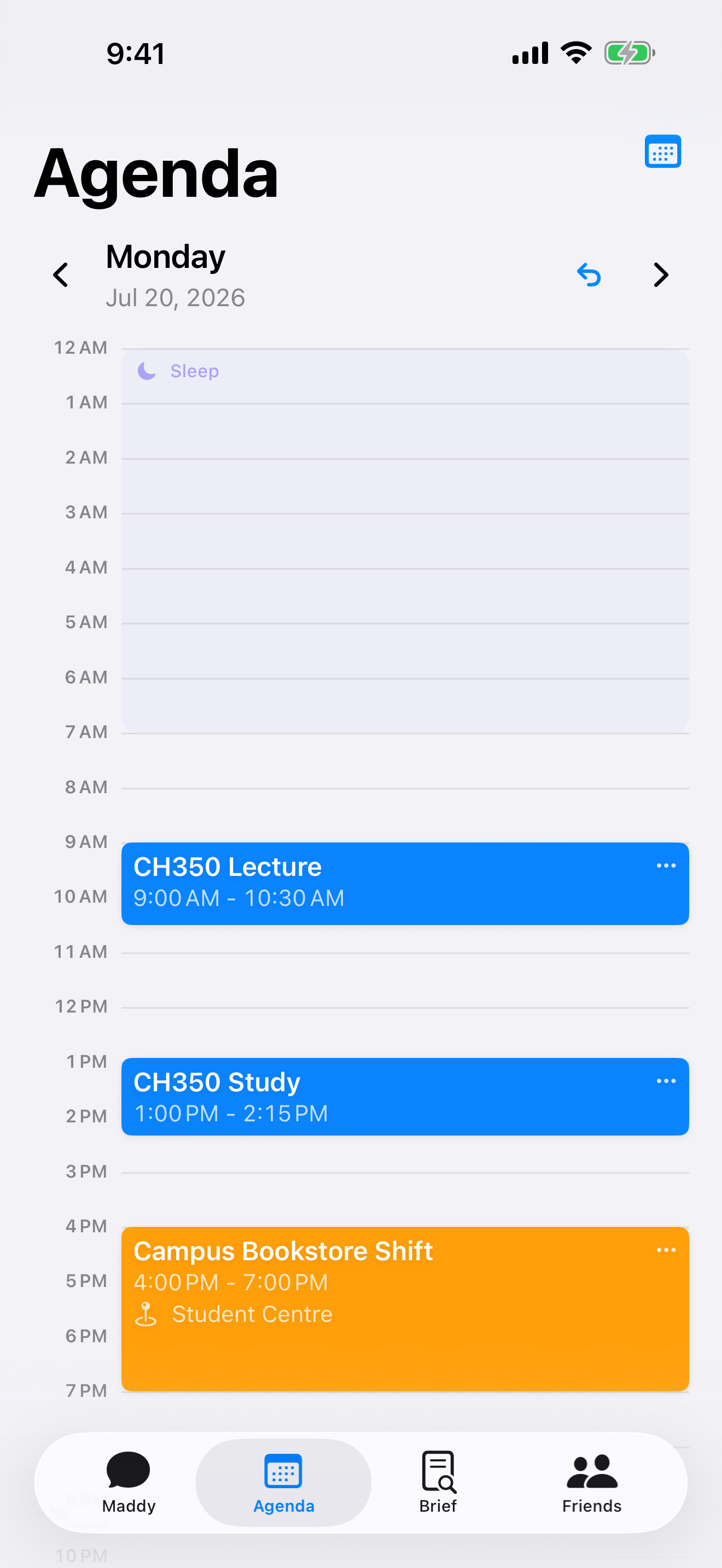
Ask Maddy to help plan your time in natural language.
Turn any larger goal into scheduled blocks you can review.
See classes, work, and planned focus time together.
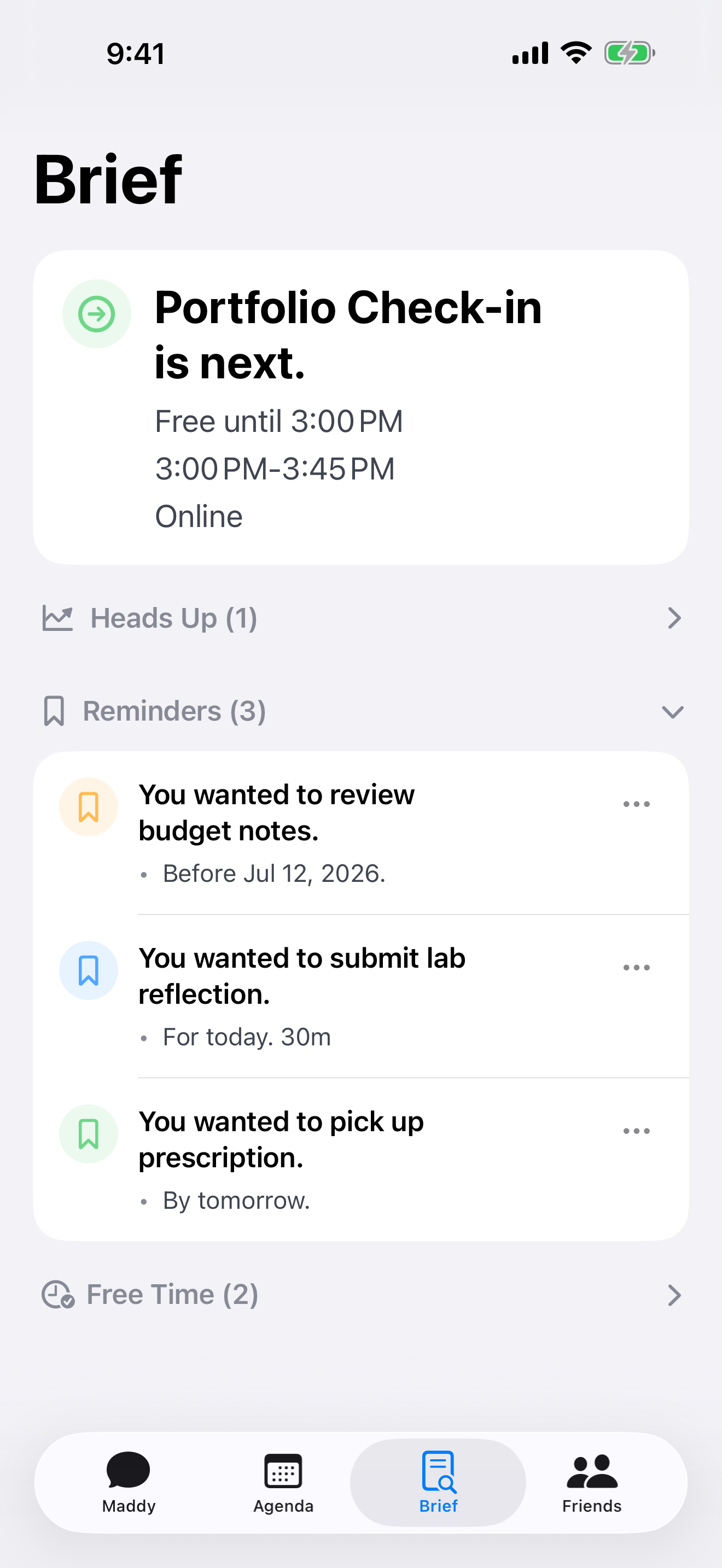
Keep the next event and important reminders in view.
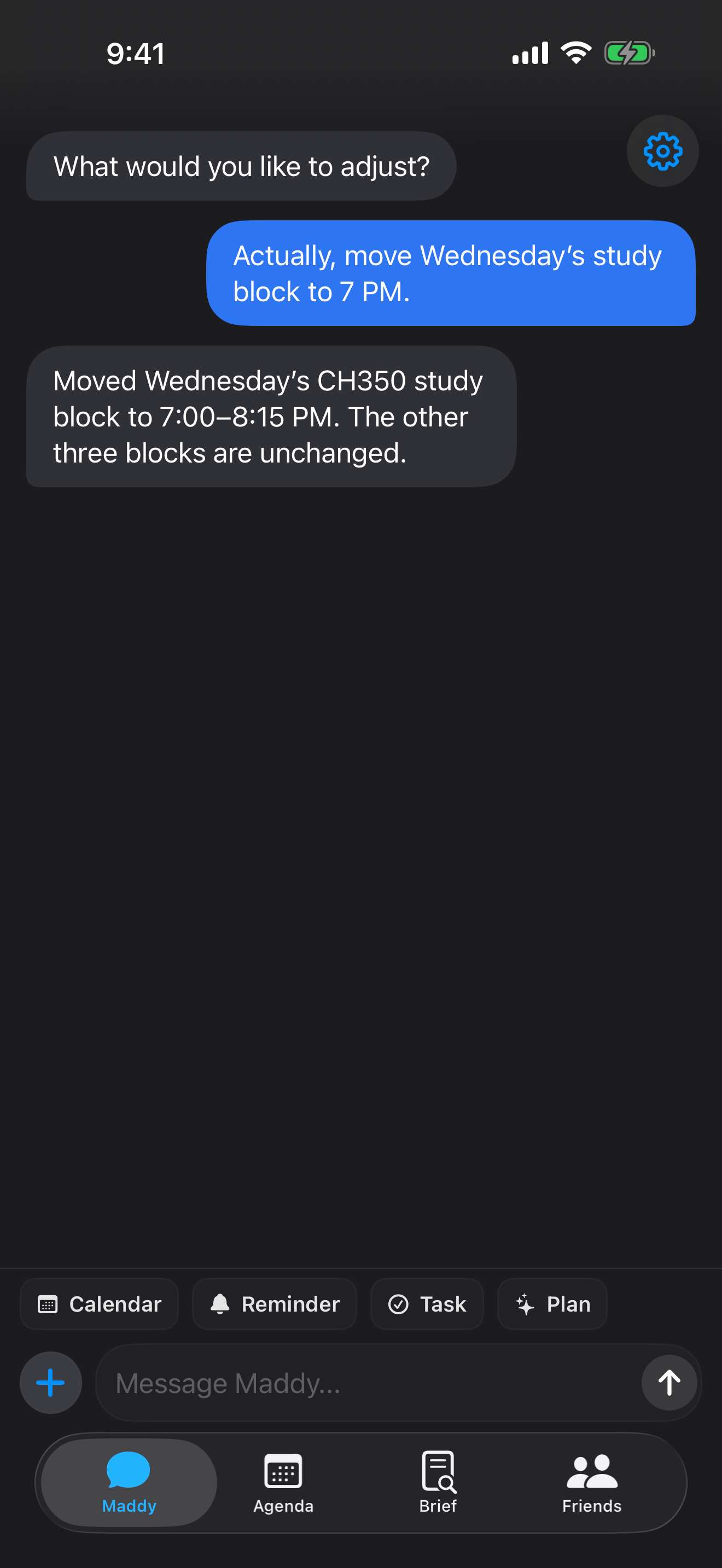
Move one grounded block in plain language, then use Brief to see what needs attention next.
Join early to help shape how Maddy handles real calendars, messy plans, and everyday scheduling requests.
No. Maddy only receives images you explicitly choose to share.
Grounded calendar changes can be completed with permission. Ambiguous or destructive changes may require clarification.
Yes. Grounded follow-up edits can move or revise a plan. Unclear requests may need confirmation.
Maddy provides controls for managing and deleting supported personal data.